> For the complete documentation index, see [llms.txt](https://docs.mybytes.tech/llms.txt). Markdown versions of documentation pages are available by appending `.md` to page URLs; this page is available as [Markdown](https://docs.mybytes.tech/atlassian-cloud/linear-for-confluence/user-guide/linear-issue-table/advanced-search.md).
# Advanced Search
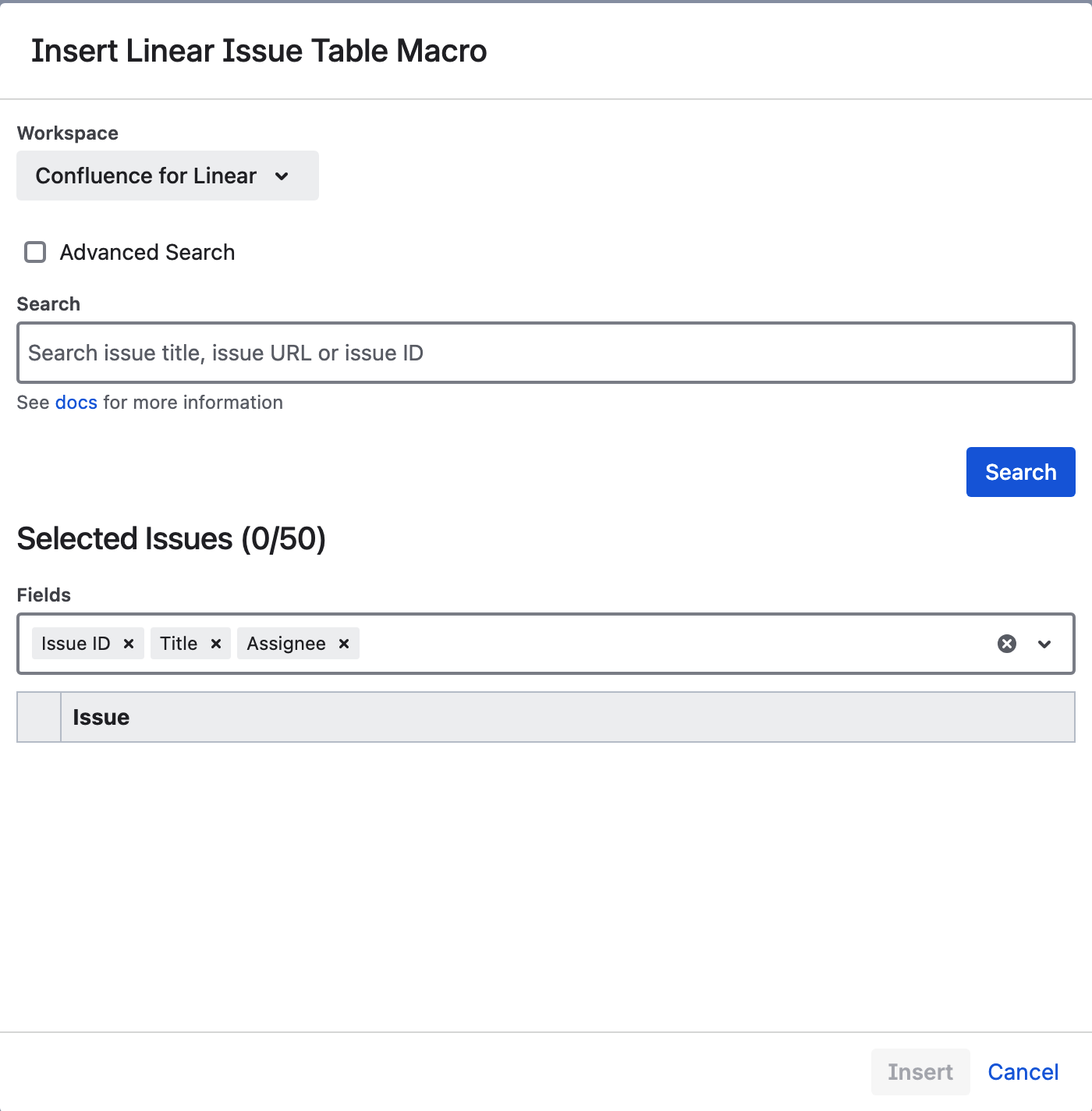
To filter issue in Linear based on different criteria, you can use the advance search feature.
To enable advanced search, select the corresponding checkbox.
The advanced search filters will appear.
Select and configure your preferred filters based on your needs.
Once you have configured the filters, click on "Save" to save the macro.
This will display results based on the configured filters.