> For the complete documentation index, see [llms.txt](https://docs.mybytes.tech/llms.txt). Markdown versions of documentation pages are available by appending `.md` to page URLs; this page is available as [Markdown](https://docs.mybytes.tech/atlassian-cloud/zoho-desk-for-jira/administrator-guide/mapping-multiple-zoho-desk-departments-to-a-single-jira-space.md).
# Mapping Multiple Zoho Desk Departments to a Single Jira Space
This plugin supports mapping multiple Zoho Desk Departments to a single Jira Space. This allows different departments to share the same Jira space while maintaining their own separate configurations.
Each department–space mapping is treated as an independent setup. This means field mappings and module mappings are configured separately for every department, even if they point to the same Jira space.
### Step by Step Guide
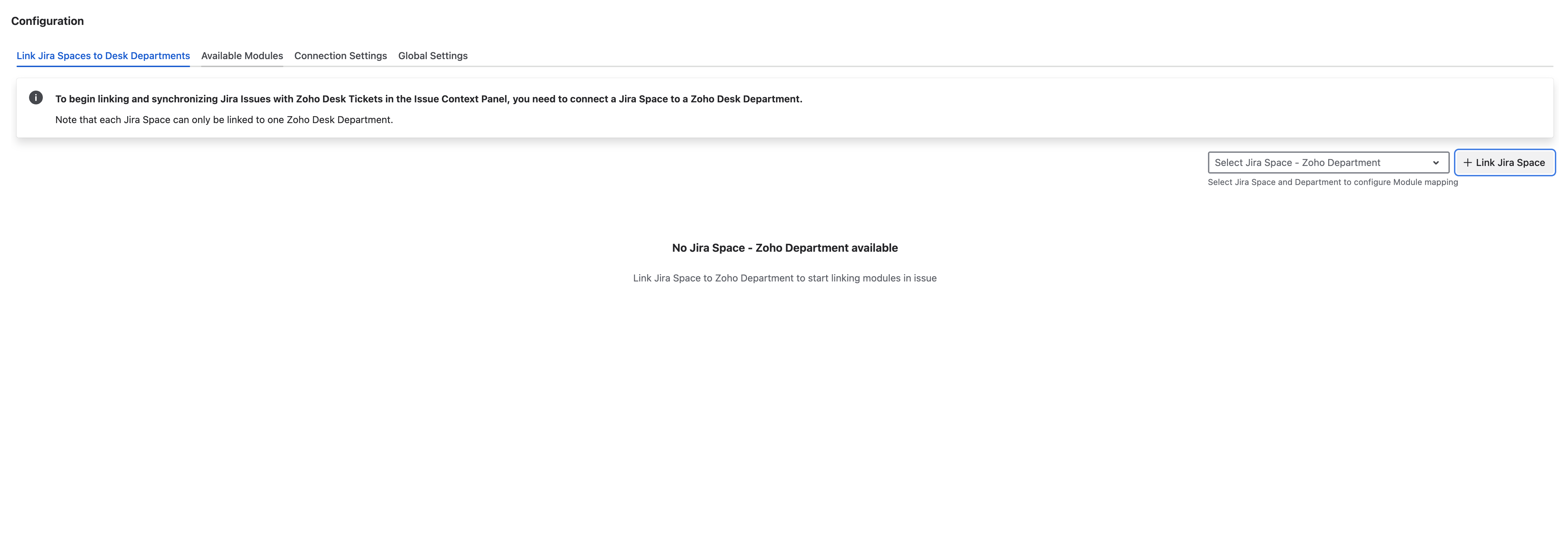
1. Navigate to the Connection settings and go to the mapping section
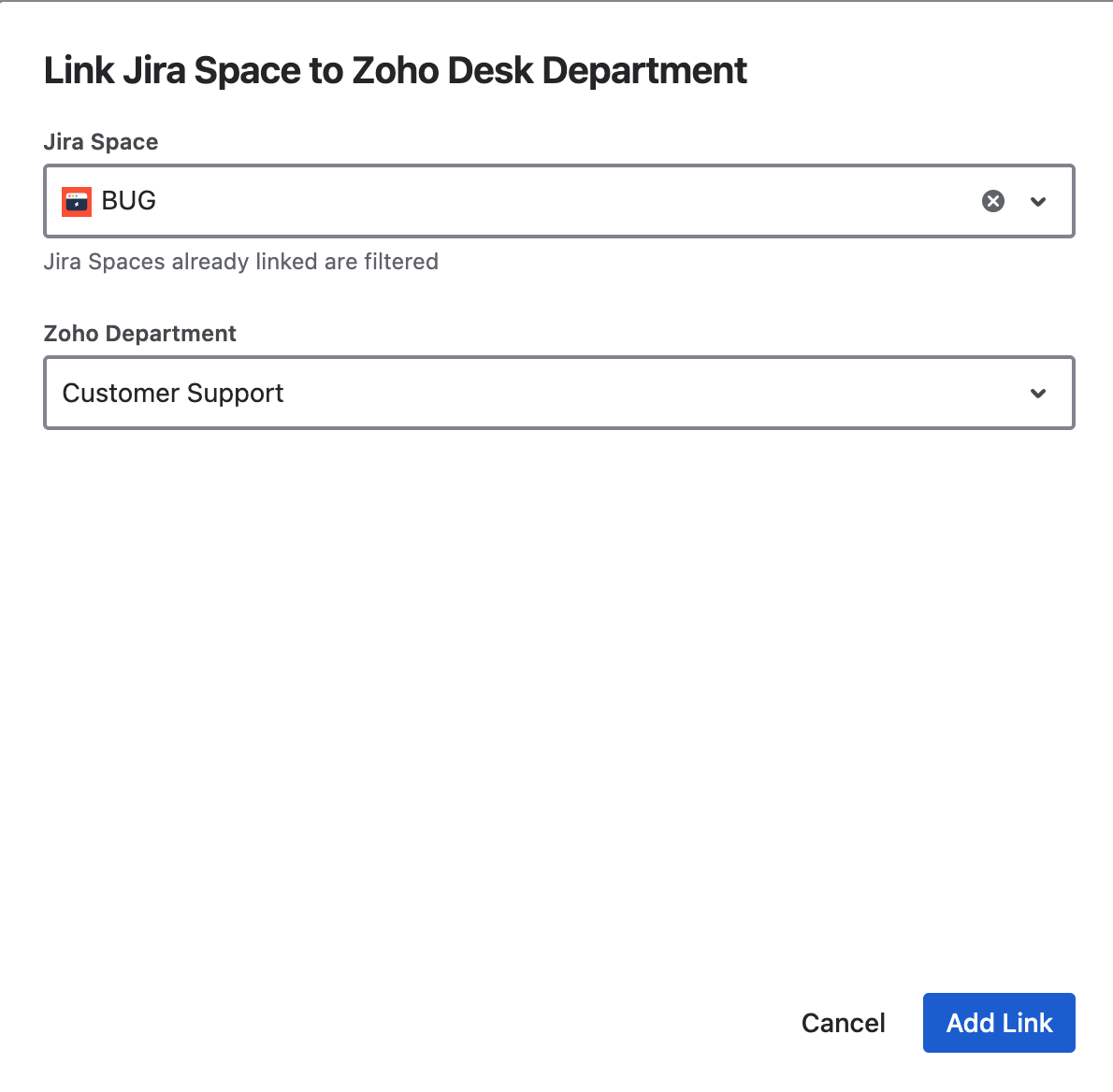
2. Click **Link Jira Space**. Then, Select Jira Space and Zoho Desk Department you want to link
* Choose the Jira Space you want to link.
* Select the Zoho Desk Department to be mapped to this space.
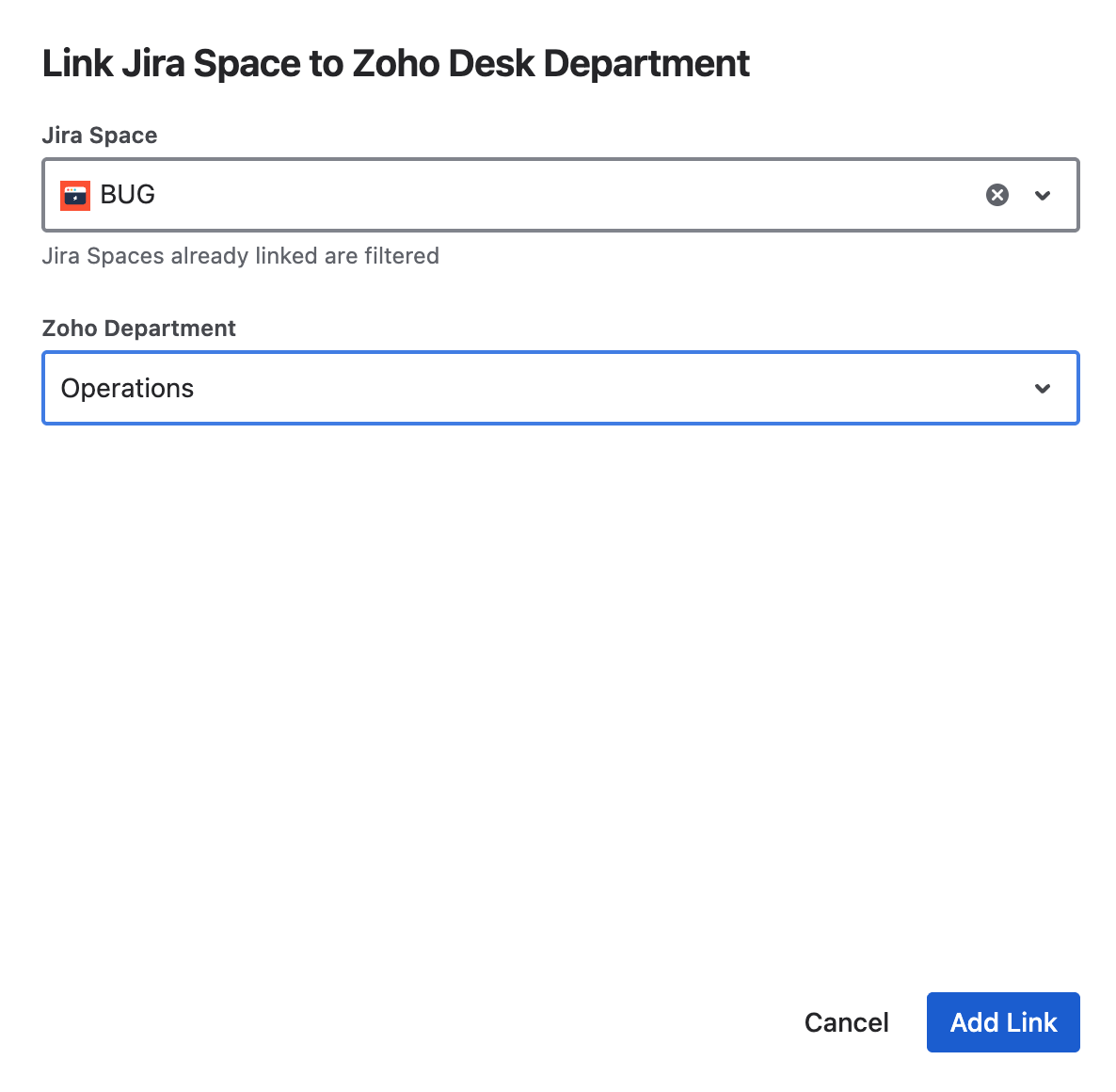
3. Map Multiple Zoho Desk Departments to the same Jira Space
* Repeat the process:
* Click **Link Jira Space** again.
* Select the same Jira space.
* Choose a different department.
* You can map the same Jira space to multiple departments.
4. Configure Mappings Separately\
Each Jira Space - Zoho Desk Department pair is treated as a unique configuration. Field mapping and Module mapping must be configured separately for:
* Jira Space A → Department 1
* Jira Space A → Department 2
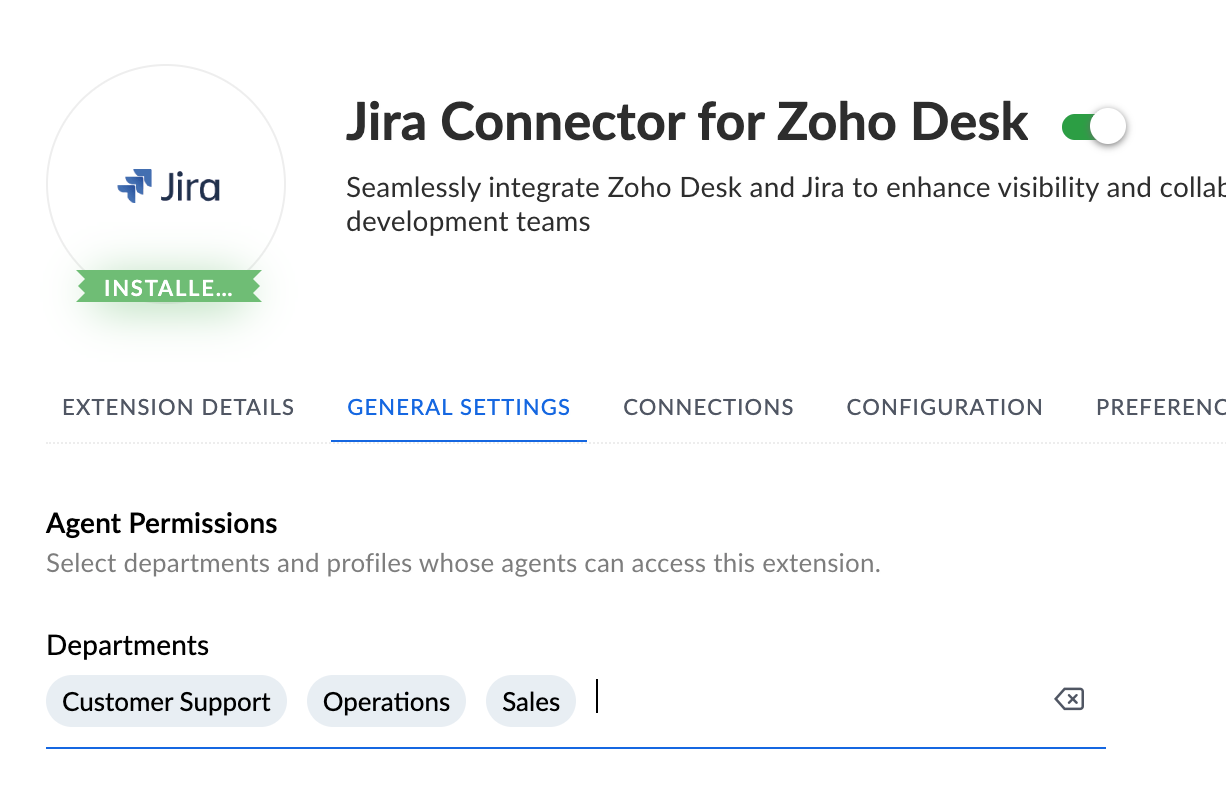
**Note:** If you are using Jira Connector for Zoho Desk, please ensure that the Zoho Desk plugin is enabled for all the required departments.